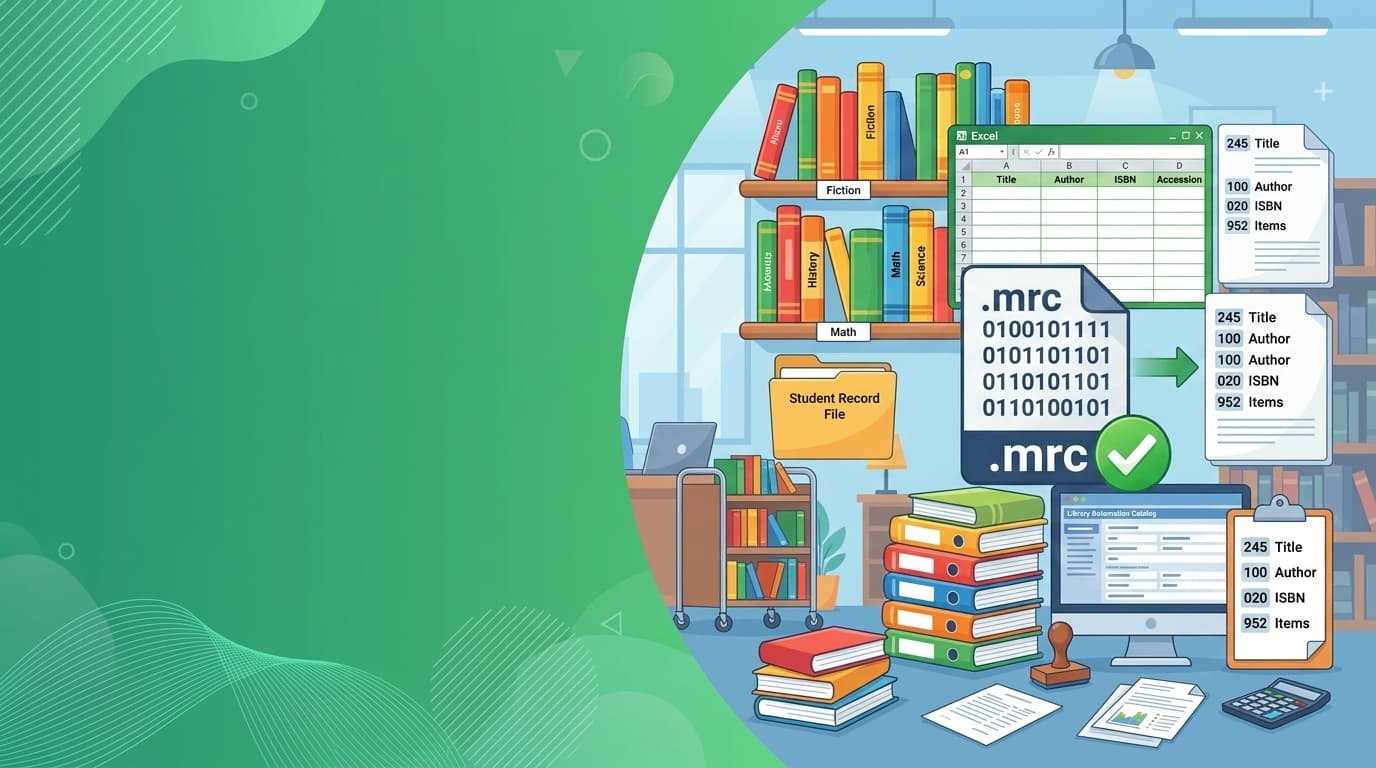
A Beginner's Guide to the Excel to MARC21 Converter
Learn how to effortlessly convert your Excel cataloging data into standard MARC21 (.mrc) format for KOHA, SOUL 3.0, and LibSys.
Excel to MARC21: Bulk Cataloging Made Effortless
Learn how to eliminate hours of repetitive cataloging by converting spreadsheet book data directly into standard MARC21 (.mrc) format ready for immediate staging into KOHA, SOUL 3.0, and LibSys.
Why is Bulk Book Upload Difficult?
Understanding the friction and multi-step bottlenecks of traditional library cataloging.
When a college or university library acquires hundreds or thousands of new books, vendors typically deliver book lists in standard Excel spreadsheets or CSV files. However, modern Integrated Library Systems (ILS) like KOHA, SOUL 3.0, and LibSys do not accept raw Excel files directly into their catalog databases.
Instead, library standards require bibliographic data structured in MARC21 (Machine-Readable Cataloging) format encoded in binary ISO 2709 (.mrc) files with specific numeric tags, indicator flags, and subfield delimiters.
The Traditional 4-Step Friction Workflow
Spreadsheet Formatting
Librarians manually clean author names, titles, DDC numbers, and accession numbers in Excel.
Convert to .MRK Text
Import Excel into MarcEdit desktop software, configure Delimited Text Translator, and generate a raw `.mrk` text file.
Binary Compilation
Compile the `.mrk` text into binary MARC (.mrc) using MarcMaker, hoping UTF-8 character encoding errors don't crash it.
Adding Copies in Koha
Stage records in Koha, then manually click "Add Item" again and again to create barcodes for each copy of every title.
The Problem: This multi-step process requires desktop software installation, technical knowledge of MARC delimiter syntax (=245 10$aTitle$bSubtitle), and immense manual labor for copy creation.
The Multiple-Copy Problem & LISWALA's Solution
How a single Excel row automatically expands into multiple holding barcodes.
In academic institutions, libraries rarely purchase just one copy of a prescribed textbook. For subjects like Engineering Mathematics or Principles of Management, a library frequently purchases 10, 20, or even 50 copies.
The Traditional Bottleneck
To create 10 copies of a book in traditional MARC workflows, librarians must either paste the same title 10 times in Excel with different barcodes or manually add 10 items one-by-one in Koha's item form after importing the bibliographic title.
The LISWALA Solution
You enter the title just once in your spreadsheet. You enter Number of Copies: 10 and Starting Barcode: LIB001. LISWALA automatically generates 10 distinct Koha 952 item tags with auto-incremented barcodes (LIB001 to LIB010) attached to that single bibliographic title!
Adjust the values below to see how LISWALA automatically generates sequential copy barcodes:
Traditional Workflow vs. LISWALA
A head-to-head comparison between old cataloging practices and the modern LISWALA approach.
| Cataloging Dimension | Traditional MarcEdit Workflow | LISWALA Excel to MARC21 |
|---|---|---|
| Steps Required | 4 to 5 disconnected steps across multiple tools | 1 single step: Upload Excel → Download .MRC |
| Software Installation | Requires desktop installation (.NET, MarcEdit, plugins) | Zero install; runs in any modern web browser |
| Multi-Copy Handling | Must duplicate title rows or add items manually in Koha | Automatic: 1 row expands to N Koha 952 item tags |
| Barcode Generation | Manual typing or complex Excel regex formula setup | Automated sequential auto-incrementing barcodes |
| Cataloging Time (100 Books) | 3 to 5 hours (especially with multiple copies) | Under 30 seconds total processing time |
| Error Prevention | Cryptic line compiler crashes during .mrk → .mrc | Instant validation with detailed column diagnostic reports |
| Operating System | Primarily Windows desktop only | Universal: Windows, macOS, Linux, ChromeOS & Tablets |
Why Should You Use the Excel to MARC21 Converter?
Designed specifically by library information specialists for daily library cataloging workflows.
Automatic Item Copy Expansion
Specify copy count and starting barcode on a single row. The converter generates unique Koha 952 item tags for every physical copy automatically.
Direct Binary .MRC Export
Skip the intermediate `.mrk` text files and MarcEdit compile steps. Download standard ISO 2709 `.mrc` files ready for direct Koha staging.
100% Koha, SOUL & LibSys Ready
Pre-configured with standard MARC21 Leader, 008, 100, 245, and Koha-specific 942 (Item Type) and 952 (Holdings) subfields.
Pre-Conversion Data Validation
The engine checks for missing mandatory columns and data formatting issues before conversion, providing a clean error log for corrections.
100% Private & Confidential
Your catalog records and accession registers are processed securely. No data is stored, cached, or shared with third parties.
Hours Saved on Every Consignment
Transform new book vendor invoices or retrospective accession registers into clean catalog records in seconds rather than days.
How Does It Work?
Follow these six straightforward steps to convert your Excel catalog into MARC21 format.
Download the Template
Get the official LISWALA Excel to MARC21 Template. It contains all pre-formatted columns for mandatory and optional bibliographic tags.
Enter Book Details
Fill in the mandatory bibliographic fields: Title, Author, Class No., Item Type, Home Lib, Current Lib, Call Number.
Set Copies & Starting Barcode
Specify the Number of Copies (e.g. 5) and the Starting Barcode (e.g. LIB1001). The converter handles numbering for all copies.
Upload Your Excel File
Drop your `.xlsx`, `.xls`, or `.csv` spreadsheet into the LISWALA Excel to MARC21 Converter upload zone.
Instant Auto-Conversion
The engine checks data formatting, builds standard MARC21 Leaders, Directory indices, and compiles binary ISO 2709 (.mrc) in seconds.
Download & Stage in Koha
Download the `.mrc` file, go to Koha → Cataloging → Stage MARC records for import, and import your records directly into the catalog.
From 6 Steps to a Unified Workflow
How your raw spreadsheet flows into your library management system seamlessly.
1. Excel Book List
Titles, Authors, DDC, Copies, Barcodes
2. LISWALA Engine
Validation, Tag mapping, Copy expansion
3. MARC21 (.mrc)
Standard ISO 2709 binary with 952 tags
4. Koha ILS
Staged into catalog, OPAC & circulation ready
Real-World Example: 2 Excel Rows → 15 MARC Records
See how a college textbook consignment transforms from a spreadsheet into complete item holdings.
Suppose your college library receives a vendor consignment containing two engineering titles: 10 copies of Concepts of Modern Physics and 5 copies of Advanced Engineering Mathematics.
| Title | Author | Class No | Item Type | Branch | Copies | Starting Barcode |
|---|---|---|---|---|---|---|
| Concepts of Modern Physics | Arthur Beiser | 530 | BK | MAIN | 10 | PHY-00101 |
| Advanced Engineering Mathematics | Erwin Kreyszig | 510 | BK | MAIN | 5 | MAT-00501 |
LISWALA produces a single binary MARC21 file containing 2 Bibliographic Records and 15 Koha 952 item records:
Generates 10 individual 952 tags with barcodes:
Generates 5 individual 952 tags with barcodes:
Try the Converter Simulator
Test how the LISWALA converter parses Excel records and generates ready MARC21 output right in this preview.
sample_library_books.xlsx
2 Book Titles • 15 Physical Copies • Pre-loaded for Demo
| Title | Author | Class No. | Item Type | Copies | Starting Barcode |
|---|---|---|---|---|---|
| Concepts of Modern Physics | Arthur Beiser | 530 | BK | 10 | PHY-00101 |
| Advanced Engineering Mathematics | Erwin Kreyszig | 510 | BK | 5 | MAT-00501 |
Click below to run a real-time simulated conversion through the LISWALA engine:
What Happens to Your Excel Data? (MARC21 Tag Reference)
Complete mapping guide explaining how each spreadsheet header translates into standard MARC21 fields and Koha records.
| Excel Column | MARC21 Tag & Subfield | Field Description | Koha & Library Use | Rule |
|---|---|---|---|---|
| Title | 245 $a | Title statement of the item | Bibliographic title on OPAC & Staff client | mandatory |
| Author | 100 $a | Main personal author or creator | Primary author search & indexing index | mandatory |
| Class No. | 082 $a | Dewey Decimal Classification number | Subject classification & shelf placement | mandatory |
| Item Type | 942 $c | Koha bibliographic item type code | Determines checkout policy, loan duration & fine rule | mandatory |
| Home Lib | 952 $a | Permanent home branch code in Koha | Ownership branch where book belongs permanently | mandatory |
| Current Lib | 952 $b | Current holding branch in Koha | Current physical location for circulation | mandatory |
| Call Number | 952 $o | Full call number for spine labeling | Displayed on search results & item spine labels | mandatory |
| Number of Copies | Control - | Total physical copies acquired | Tells converter how many 952 item tags to generate | mandatory |
| Starting Barcode | 952 $p | Initial barcode/accession string | Sequential item barcode for scanner circulation | mandatory |
| ISBN | 020 $a | Standard Book Number (10 or 13 digits) | Cover image fetching, Z39.50 copy-cataloging | optional |
| Edition | 250 $a | Edition statement (e.g. 5th ed.) | Distinguishes textbook editions on OPAC | optional |
| Place | 260 $a | City or place of publication | Publication statement & citation details | optional |
| Publisher | 260 $b | Name of the publisher | Publisher filtering & facet searching | optional |
| Year | 260 $c | Four-digit year of publication | Publication year filter & timeline sorting | optional |
| Pages | 300 $a | Physical pagination & dimensions | Physical description statement | optional |
| Price | 952 $v | Replacement price or book cost | Lost item replacement assessment in circulation | optional |
| Accession Date | 952 $d | Date of library acquisition | Accession register reports & audit trails | optional |
| Vendor | 952 $e | Source of acquisition or vendor code | Acquisitions auditing & supplier tracking | optional |
You Don't Need To...
- Install MarcEdit desktop software or configure complex .NET runtime environments
- Learn cryptic MARC delimiter syntax or manual indicator rules (
=245 10$a) - Convert Excel into intermediate `.mrk` text files before compiling to `.mrc`
- Manually click "Add Item" 10 or 20 times in Koha for multiple copies of the same textbook
- Write custom Python scripts or direct SQL queries to bulk populate accession barcodes
All You Need To Do
- Download the official LISWALA Excel Template
- Paste or type your book details, copy counts, and starting barcodes into the template
- Upload the Excel file into the LISWALA Excel to MARC21 Converter
- Download the generated .mrc file and stage it directly into Koha
Who Can Use This Tool?
Handling high-volume textbook acquisitions with 10–50 copies per title for departmental libraries and book banks.
Migrating from simple Excel records into Koha or SOUL 3.0 without dedicated cataloging or IT staff.
Cataloging teams processing vendor spreadsheets and publishers' metadata quickly with verified standards.
When Is This Tool Most Useful?
When new shipments arrive from publishers or vendors with hundreds of books listed on Excel delivery challans.
When digitizing old physical accession registers into a modern automated library database.
When moving from legacy software or setting up a fresh Koha instance for a newly inaugurated campus or department.
When importing your generated .mrc file into Koha, always take advantage of Koha's two-stage import workflow:
- Navigate to Koha Administration → Cataloging → Stage MARC records for import.
- Review the preview page to ensure that your Home Branch (
952$a) and Item Type (942$c) codes match the exact Authorized Values configured in your Koha system. - Once verified, click Manage staged records and complete the final commit into your catalog.
Frequently Asked Questions
Clear answers to common questions about MARC21 conversion, barcodes, and Koha import.
Ready to Convert Your Excel Books to MARC21?
Download the official template, fill in your book details, and generate standard MARC21 records for Koha in seconds.
You May Also Need
Based on your current workflow, these tools might be helpful.